
How do I access the PAC Home?
You’ll need to set up your account to access PAC Home here: Sign Up If you’ve already been granted access you should be asked to log in or automatically taken to PAC Home.
What if I can't find a signal?
Filters and a search function are available for you to manually look for a signal. If you are still having issues finding what you need you can use our Slack channel for questions & troubleshooting.
Can I add signals?
No, the database is currently managed by the internal PAC team. However, you can ping the Slack channel if you see something you want to share!
Are signals in PAC Home applicable to my region?
While all VX entities across the globe have access to PAC Home with a Global view, it is important to note that only Platform signals will be refreshed for global application for now. All Culture signals will continue to be US-skewed while we build the global infrastructure to surface relevant signals per region and country.
Still need more help?
Check out our common “How To” videos
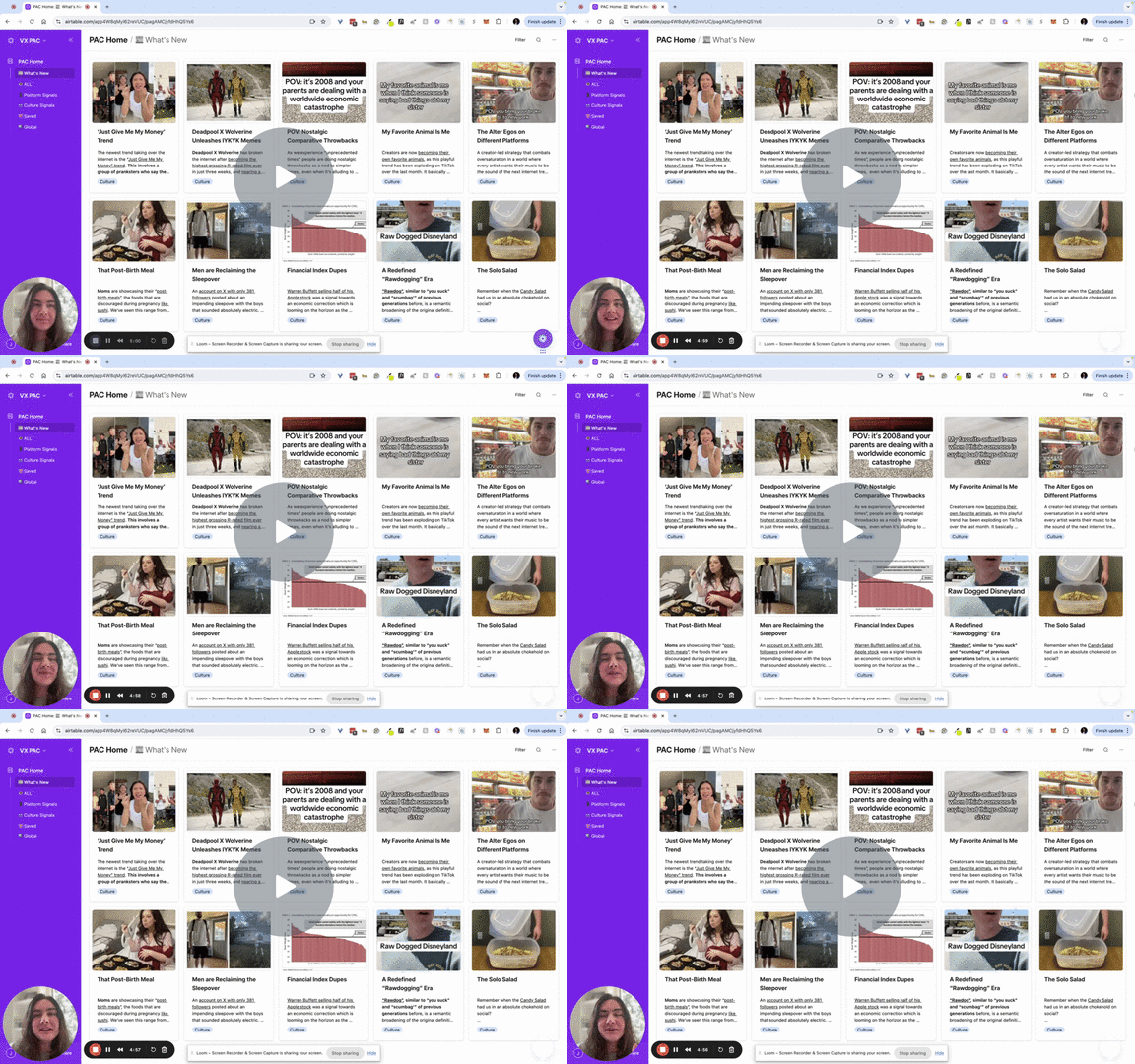
New PAC Home 2:00
In this video, we’ll explore the new interface for PAC Home, highlighting updates in navigation, filters, and views. I showcase preset views like “What’s New,” “All,” “Platform Signals,” “Culture Signals,” and “Saved,” each serving a unique purpose.
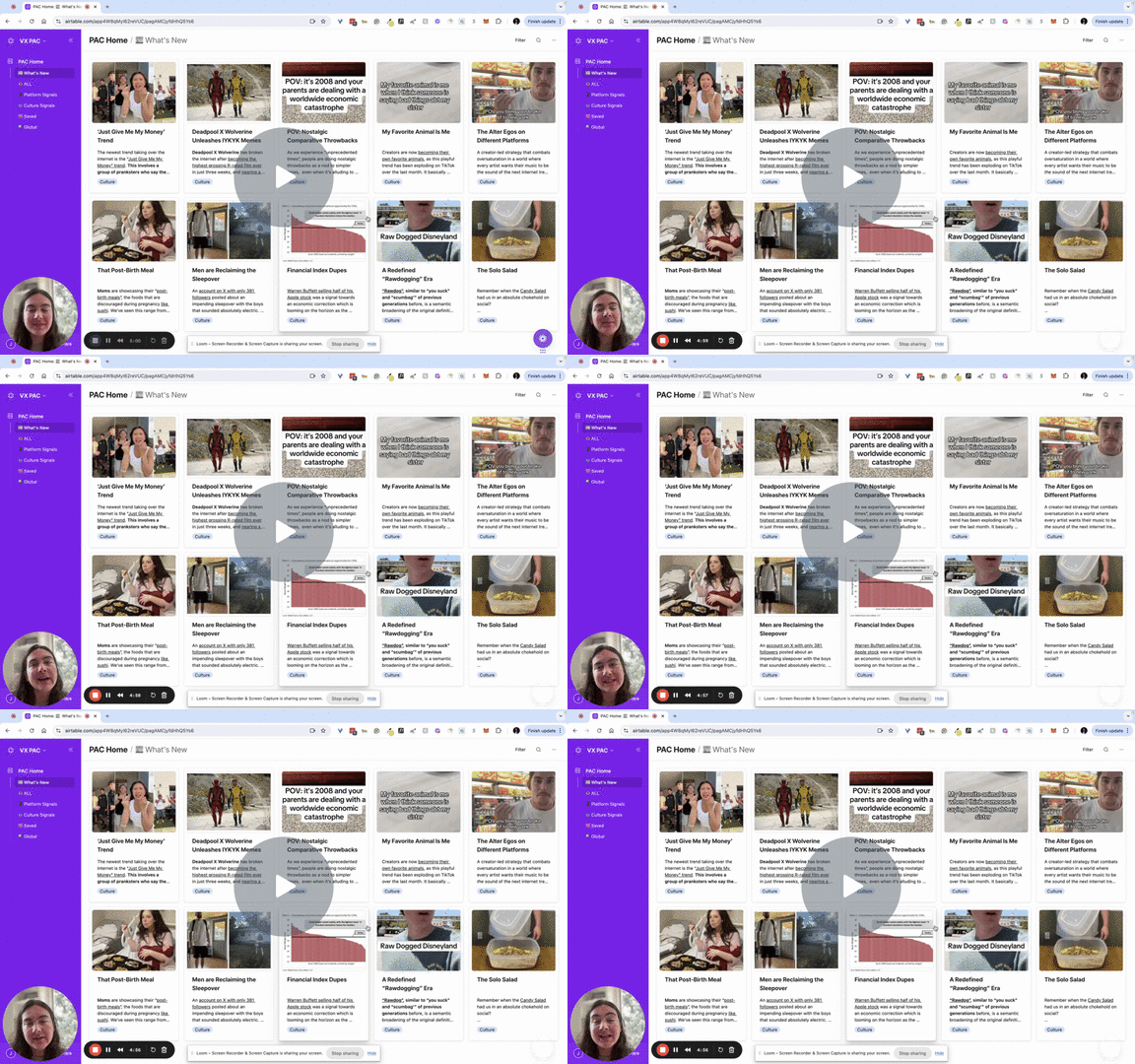
How to Save Signals 1:53
In this video, we go through browsing and saving signals to revisit later and how it helps to curate your own personalized feed. Watch the video to learn more about saving signals!
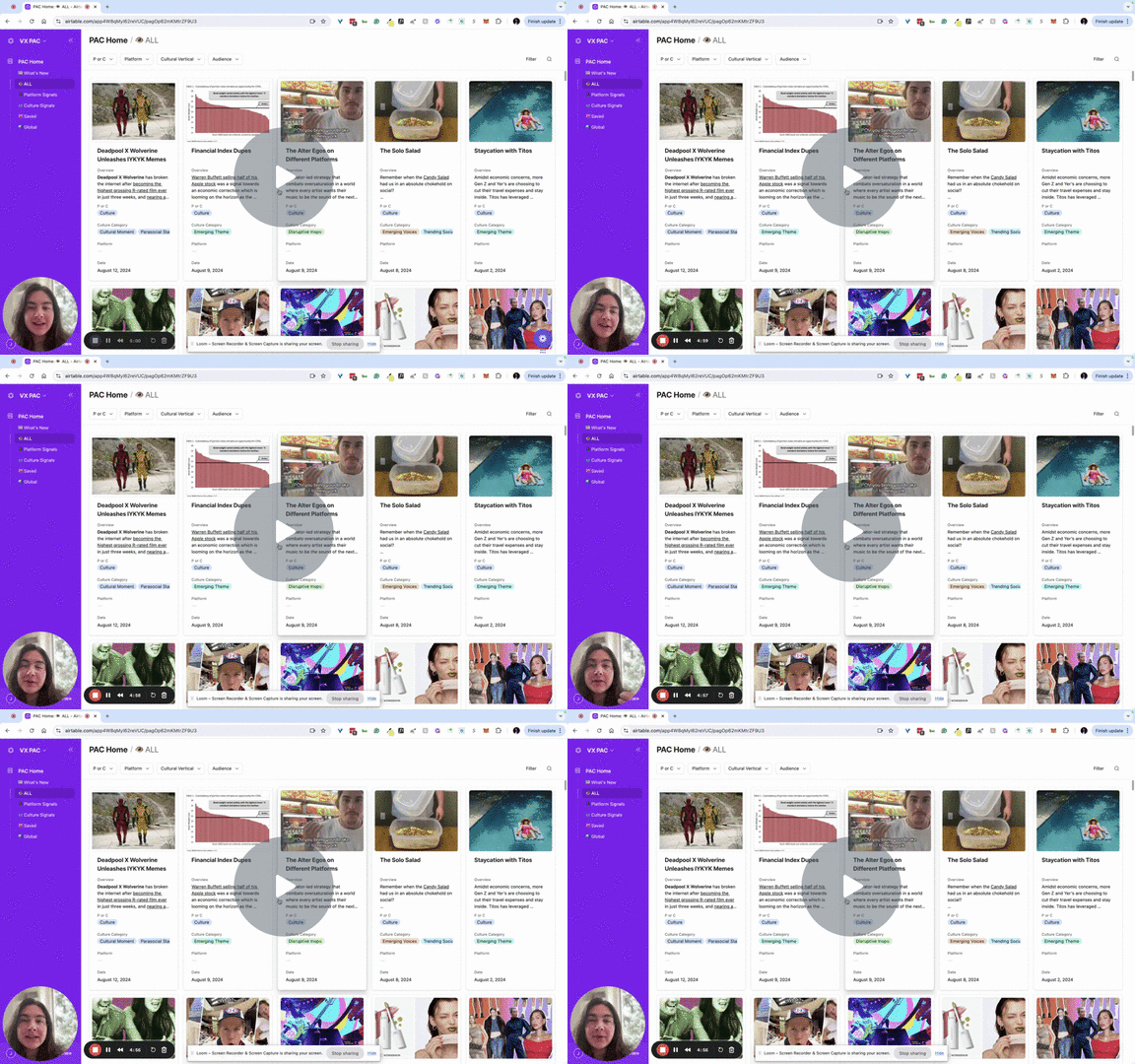
Understanding Filters 2:01
In this video, we’ll explain how to effectively use filters to search through signals in different views. We demonstrate how to activate and customize filters based on specific tags, such as platforms or cultural verticals.
